Excel Spreadsheet Invoice Templates
Free .xlsx invoices that add up by themselves. Download a blank template, or fill one in below and export to Excel, Word or PDF in about 2 minutes. No signup.
- Formulas built in
- Excel, Google Sheets & Numbers
- No signup or email
- Runs in your browser
Online invoice maker
Built in your browser. Your invoice data never leaves your device.
Your Business Name
Street address, City, State ZIP
you@business.com · (555) 555-0100
INVOICE
- Invoice #
- INV-0001
- Date
- -
- Due date
- -
- Terms
- Net 30
BILL TO
Client name
Client address
client@email.com
| Description | Qty | Unit price | Amount |
|---|---|---|---|
| Item or service | |||
| Item or service |
- Subtotal
- $0.00
- Tax (0%)
- $0.00
- Total
- $0.00
- Balance due
- $0.00
Thank you for your business!
Made with Excel Invoice Maker · excelinvoicemaker.com
PRO Do more with Invoice Pro
Free Excel invoice templates: blank .xlsx downloads
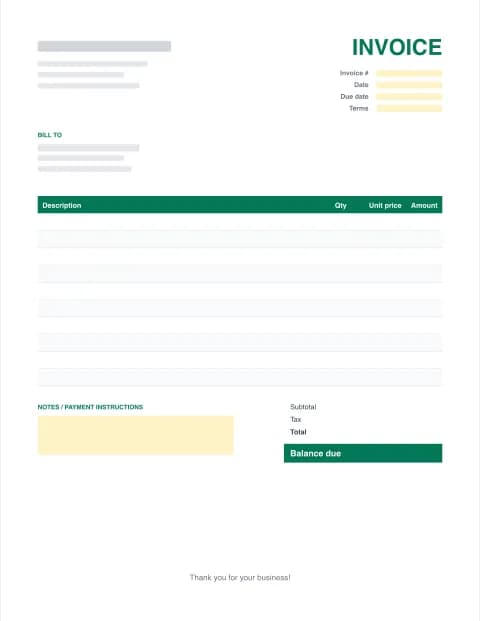
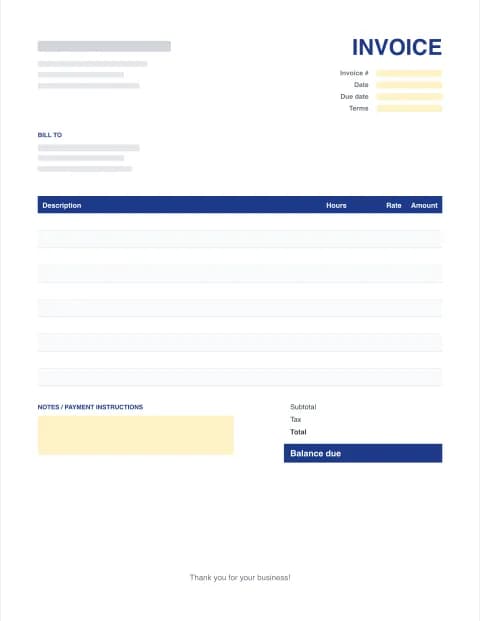
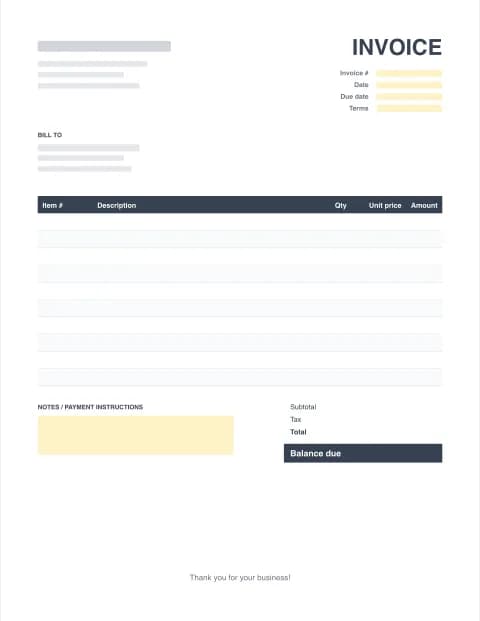
Three printable layouts, each in Excel (with formulas), Word and fillable PDF. Need to see one filled in first? Get the sample Excel invoice (also as PDF).
By the Excel Invoice Maker editorial team · Last updated · Formulas checked against worked examples
What's inside these Excel spreadsheet invoice templates
Most free Excel spreadsheet invoice templates are just a nicely formatted grid where you still do the maths yourself. Ours are built the way a bookkeeper would build them: every money cell is a formula, inputs are shaded pale yellow, and the page is set to print on a single US Letter sheet. They contain no macros, so Excel won't show a security warning when you open them.
| Cell | What it does |
|---|---|
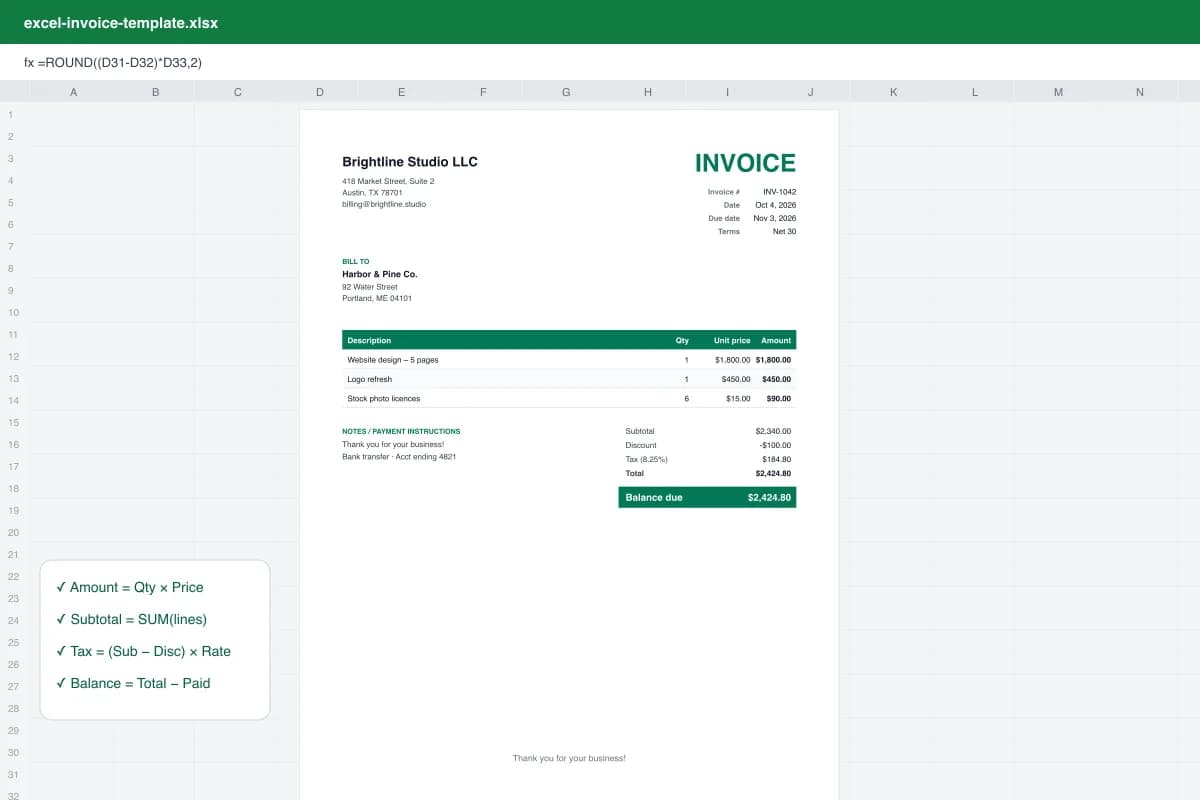
| Amount | Quantity × unit price for each line, rounded to cents. Blank lines stay blank. |
| Subtotal | Adds up every line, including rows you insert inside the table. |
| Tax | (Subtotal − Discount) × your tax rate, e.g. 8.25%. |
| Total | Subtotal − Discount + Tax + Shipping. |
| Balance due | Total − Amount paid, for deposits and partial payments. |
| Due date | Invoice date + 30 days. Type over it for other terms. |
How to make an invoice in Excel (5 steps)
- Download the template. Download the free .xlsx invoice template and open it in Excel, Excel for the web, Google Sheets or Numbers.
- Add your business details. Replace the [bracketed] placeholders with your business name, address, email and phone. Add your logo with Insert → Pictures.
- Fill in the client and invoice details. Enter the client's name and address, a unique invoice number, the invoice date and payment terms. The due date fills in automatically.
- List what you're billing for. Type a description, quantity (or hours) and unit price (or rate) on each line. The Amount, Subtotal, Tax, Total and Balance due cells calculate themselves.
- Save as PDF and send. Save a copy named after the invoice number, then use File → Save As → PDF (or File → Download → PDF in Google Sheets) and email it to your client.
Prefer not to touch a spreadsheet? Use the online invoice maker above: type into the form, watch the preview update, then download the finished invoice as Excel, Word or PDF.
What to include on an invoice
- The word "Invoice" and a unique number. Never reuse a number; it's how you and your client match payments.
- Invoice date and due date, or payment terms such as Net 15 or Net 30.
- Your business details: legal or trading name, address, email, phone, and tax ID if you collect sales tax or VAT.
- The client's details: company name, contact, billing address and, for larger clients, their PO number.
- Itemized lines: what you delivered, quantity or hours, price or rate, and line amount.
- Subtotal, discount, tax, shipping and total due.
- How to pay: bank transfer details, Zelle, PayPal or a card link, plus any late-fee policy.
Invoice sample in Excel format
A typical small-business example: a 5-page website at $1,800, a logo refresh at $450 and six stock photos at $15 gives a subtotal of $2,340. A $100 discount and 8.25% sales tax ($184.80) bring the balance due to $2,424.80. That's exactly what our sample Excel invoice shows, so you can check the formulas before using your own numbers.
Excel vs Word vs PDF vs an invoicing app
| Format | Best for | Watch out for |
|---|---|---|
| Excel / Google Sheets | Automatic totals, tax and editing many lines | Clients may change numbers, so always send a PDF |
| Word | Text-heavy invoices, letterhead, simple services | No automatic maths; check totals by hand |
| Sending to clients; looks the same everywhere | Hard to edit later; keep the source file | |
| Invoice Pro | Regular billing, reminders, online payment | Paid ($59/year), though worth it from roughly 5+ invoices a month |
Common invoicing mistakes to avoid
- Sending the .xlsx instead of a PDF. Editable files can be changed or display differently on the client's computer.
- Duplicate invoice numbers after copying last month's file. Update the number first.
- Typing over formula cells. If a total looks wrong, re-download the template or copy the formula down from the row above.
- Vague descriptions like "Services". Say what, when and how much, so accounts payable can approve it quickly.
- No due date or payment method. Invoices with clear terms and a way to pay get paid faster.
Using the templates on Mac, Google Sheets and phones
The .xlsx files open in Excel for Windows and Mac, Excel for the web, Google Sheets (File → Import), Apple Numbers and LibreOffice Calc. On a phone, the free Excel and Google Sheets apps work, but the online maker on this page is quicker: it's designed for small screens and downloads a ready-to-send PDF.
These templates are general business documents, not tax or legal advice. Sales tax, VAT and invoicing requirements vary by state and country; confirm what applies to your business.
Frequently asked questions
Does Excel have a built-in invoice template?
Yes. Excel ships with a few invoice templates under File → New (search "invoice"), but many need a Microsoft account or Microsoft 365 to open online. Our templates are plain .xlsx files with no macros, so they open in any version of Excel from 2010 onward, Excel for the web, Google Sheets, LibreOffice and Numbers.
Are these Excel invoice templates really free?
Yes. Every template and the online invoice maker are free with unlimited downloads, no signup and no email address required. Invoice Pro ($7.99/month or $59/year) is optional and adds things a spreadsheet can't do: saved clients, automatic numbering, Pay now links and payment reminders.
Do the formulas calculate tax and totals automatically?
Yes. Each line multiplies quantity × price, the Subtotal sums every line, Tax = (Subtotal − Discount) × Tax rate, and Total and Balance due update instantly. Pale-yellow cells are the ones you type into; leave the formula cells alone.
How do I auto-number invoices in Excel?
A single Excel file can't safely remember the last number you used, so the simplest method is to save one file per invoice (INV-0001.xlsx, INV-0002.xlsx…) and type the next number each time. If you want numbering handled for you, Invoice Pro assigns the next number automatically and keeps a history of every invoice.
Can I use these invoice templates in Google Sheets?
Yes. In Google Sheets choose File → Import → Upload, select the .xlsx file and pick "Replace spreadsheet" or "Insert new sheet". All formulas, colors and print settings carry over.
How do I turn an Excel invoice into a PDF?
In Excel use File → Save As (or Export) and choose PDF. On a Mac use File → Export To → PDF in Numbers, or Print → Save as PDF. In Google Sheets use File → Download → PDF. You can also skip this step and download a PDF straight from our online invoice maker.
What should an invoice include?
The word "Invoice", a unique invoice number, the invoice and due dates, your business name and contact details, the client's details, an itemized list with quantities and prices, subtotal, tax, total due, and how to pay. Some states and countries also require a tax or VAT number; check your local rules.
Is my invoice data private?
Yes. The online maker builds the Excel, Word and PDF files inside your browser. Your client details, prices and logo are never uploaded to our servers. A draft is kept only in your own browser so you don't lose your work.